iSteady Q · 튜토리얼




 Aliexpress
 Hohem 공식 매장



 기타 언어
기타 언어A. The selfie stick is designed with a motor protection program, thus inappropriate operation during the power-on process will trigger this program and lead to automatic shutdown, such as reverse rotation, strong pull, holding the phone clamp, etc.
B. After the selfie stick shuts down due to motor protection, it needs to be activated by connecting to the power supply.
A. Ensure that the selfie stick is powered on.
B. Ensure that the remote's switch is in "OFF" state.
C. Press the mode button seven times to pair the remote, when the Bluetooth indicator flashes yellow and green alternately.
D. Toggle the remote's switch to "ON", the remote will be automatically connected with the selfie stick.
E. Long press the navigation button of the remote, if the selfie stick moves under control, it means it has been paired successfully.
*Please follow the above steps, otherwise the connection will not be successful.
This function is available exclusively through Hohem Joy App.
A. Ensure that Bluetooth is connected and the selfie stick is in desk gimbal mode.
B. Enter Hohem Joy App, open the camera, tap the tracking icon on the top and select face tracking.
C. Tap the gesture icon on the right to enable the gesture control.
D. Use this gesture for shutter control of taking photo/video, and use this gesture
 to end video recording.
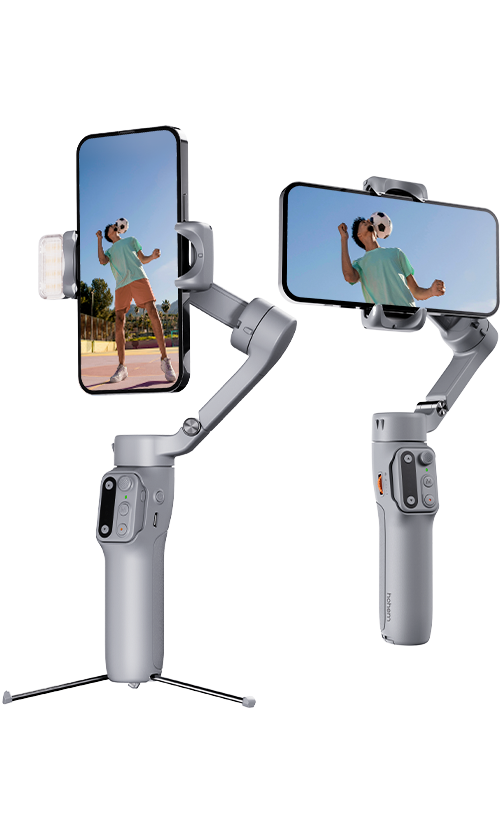
Rotate the phone clamp along the rotary joint of the arm (bevel rotation structure) about 90° to horizontal.
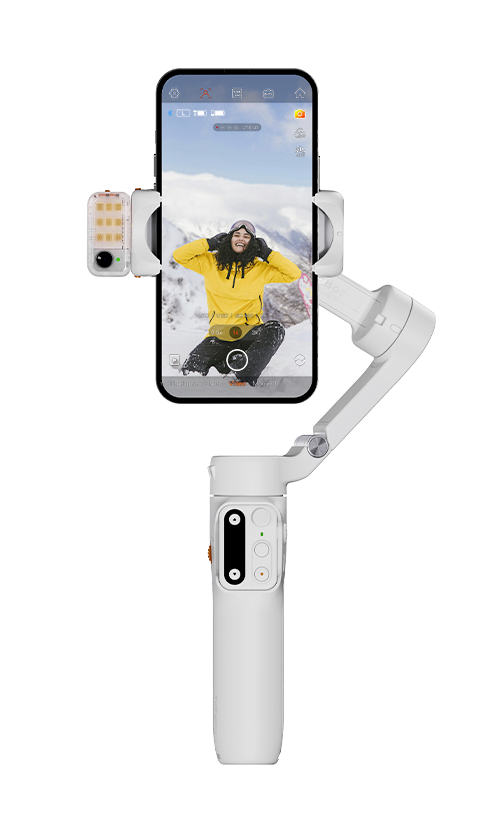
A. Shutter Button
① Single press: Take photo, start/end video (requires Bluetooth connection)
② Double press: Photo/Video switch (available exclusively through Hohem Joy APP and some Android phones via Bluetooth connection)
③ Triple press: Front/Rear camera switch (available exclusively through Hohem Joy APP and some Android phones via Bluetooth connection)
B. Function Button
① Single press: Switch between landscape and portrait mode
② Double press: Recenter the selfie stick
③ Long press: Power off the selfie stick
④ Triple press: Inception/Panorama
⑤ Press five times: Auto calibration
C. Navigation Button
① Long press left/right button: Control the rotation of the selfie stick
② Long press up/down button: Zoom in/out (available exclusively through Hohem Joy APP and some Android phones via Bluetooth connection)
③ Double press left/right button: 90° anticlockwise/clockwise rotation
D. Mode Button
① Single press: Lock the mode
② Double press: POV mode
A. Ensure that the selfie stick is powered on.
B. Long press the mode button of the remote control to enter low power mode, at this time the mode indicator turns solid yellow.
A. Ensure that the motor lock is unlocked.
B. Restart the selfie stick.





 기타 언어
기타 언어








서비스에 전화하기
US+1 (888) 965 8512
구독
 简体中文
简体中文 English
 Deutsch
 Italiano
 日本語
日本語 한국어
한국어 Français
 Español
 Pусский
 Português