Product Tutorials & Support




 Aliexpress
 Hohem Official Store
 简体中文
简体中文 English
 Deutsch
 Italiano
 日本語
日本語 한국어
한국어 Français
 Español
 Pусский
 Português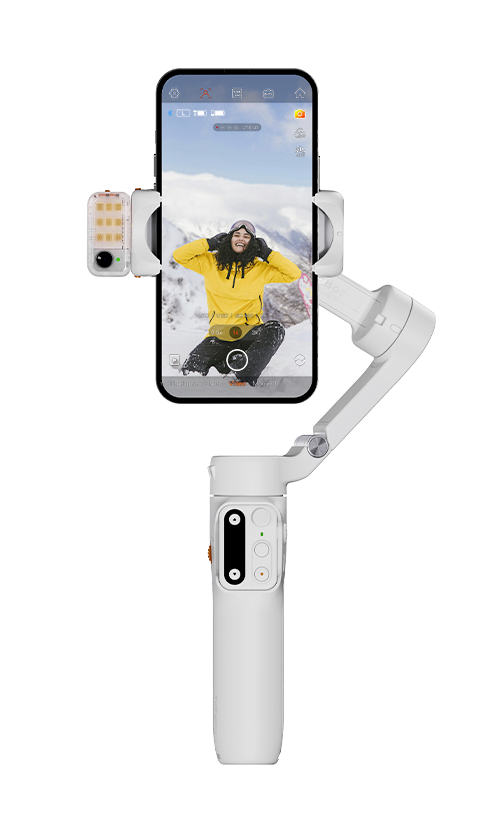
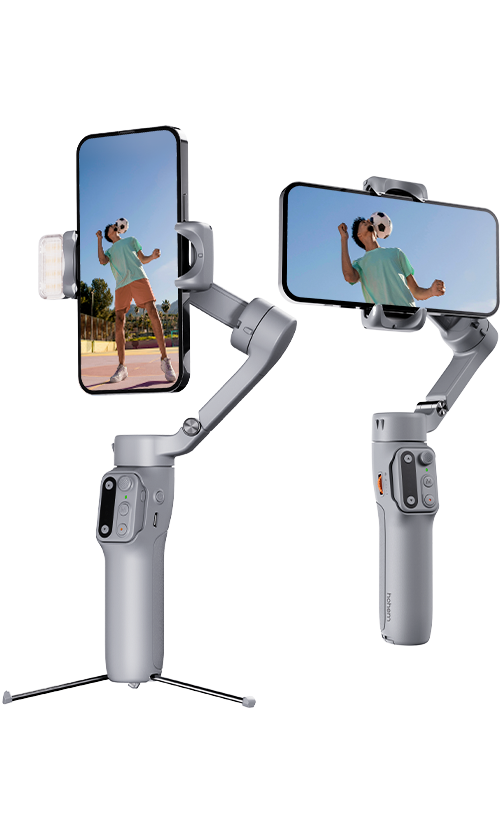
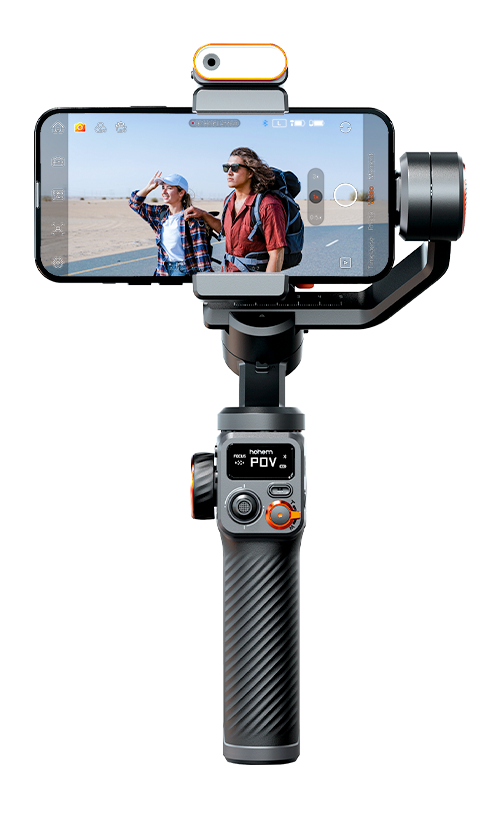
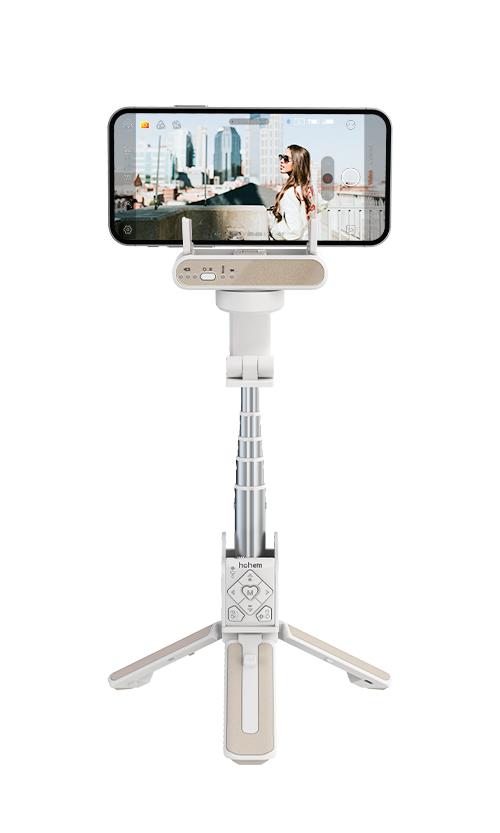
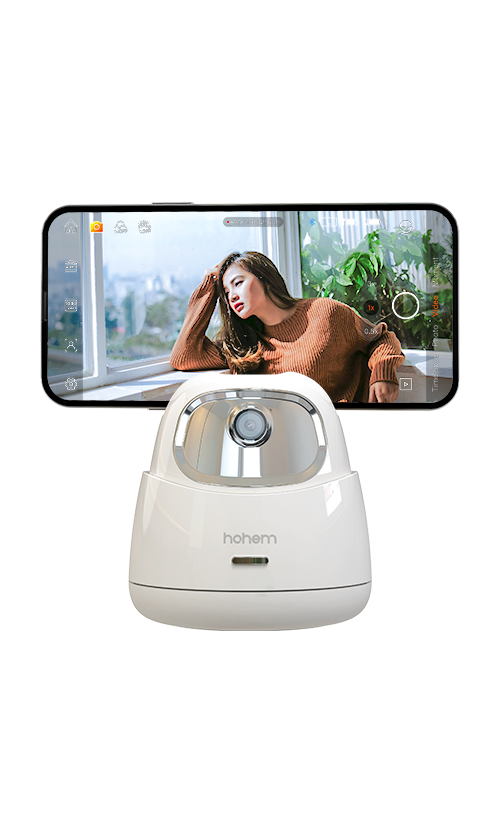
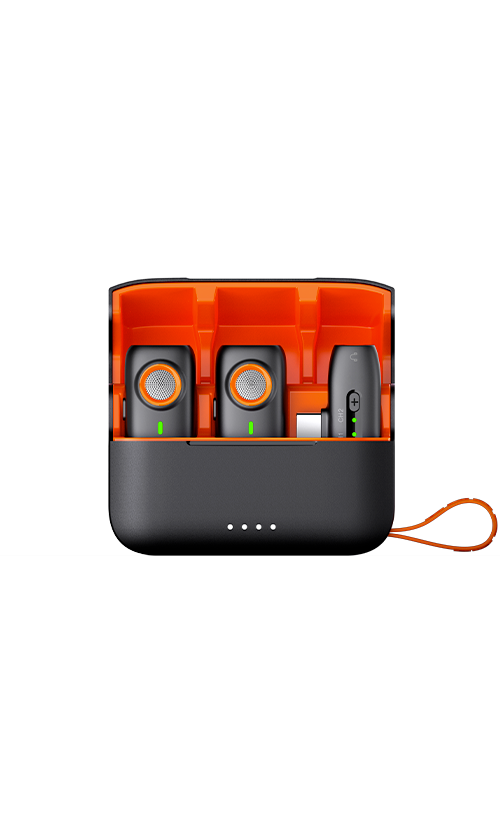
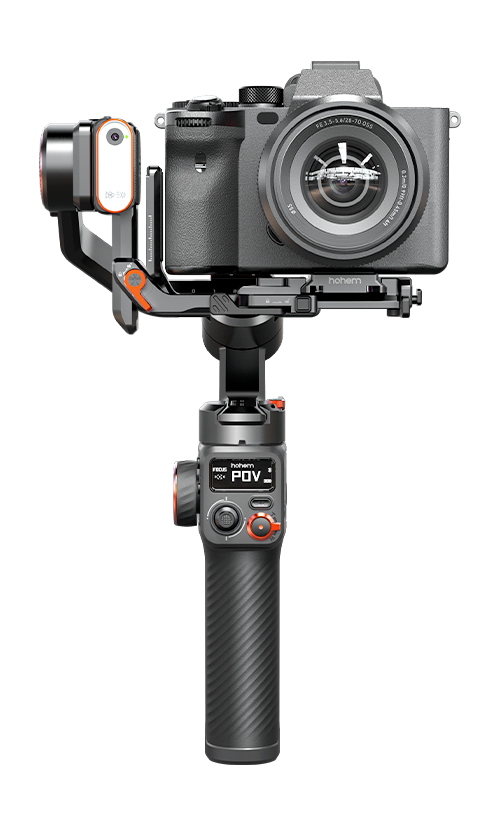
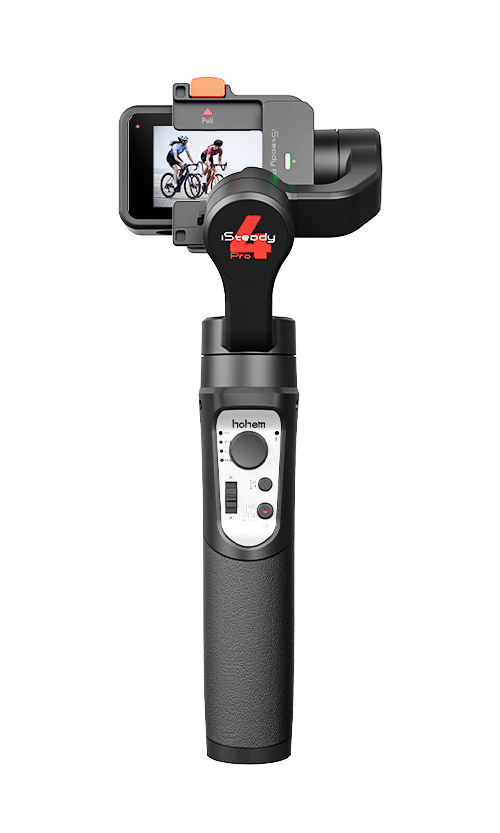



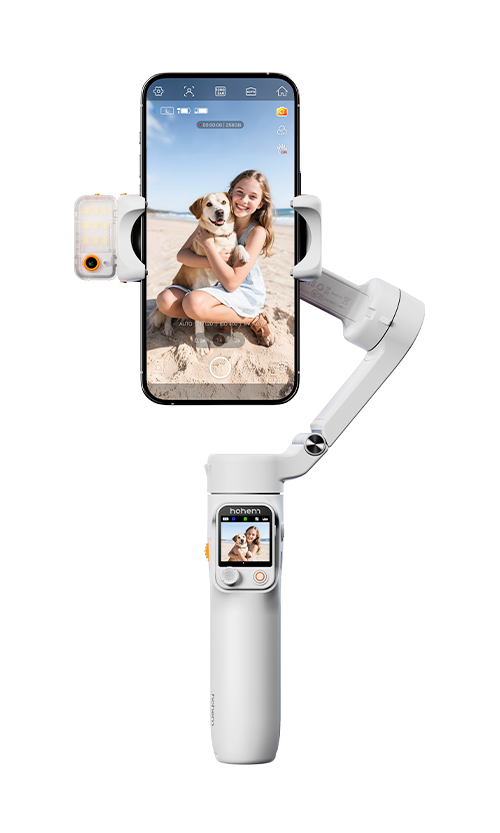
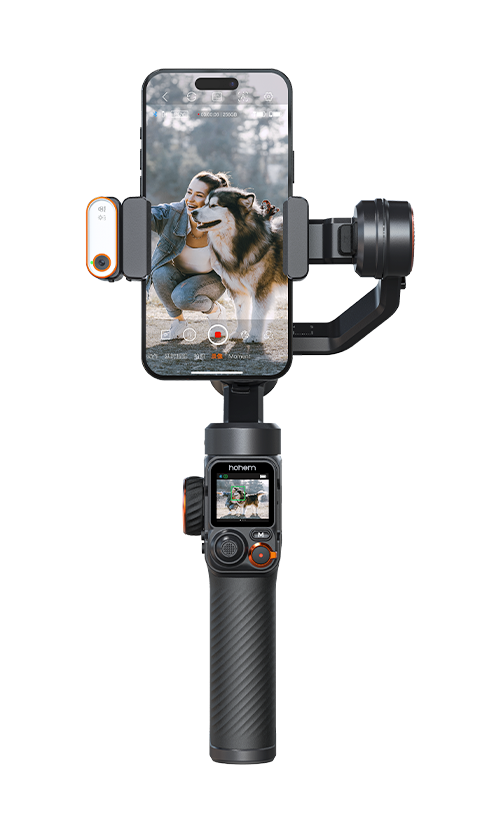
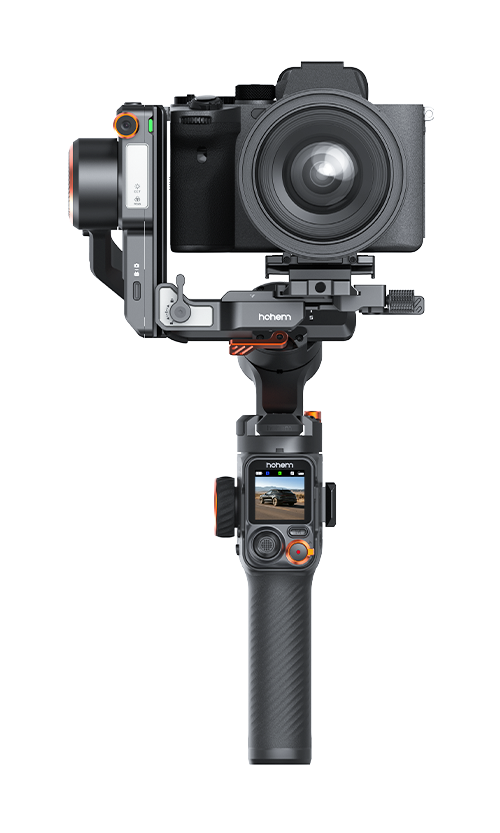
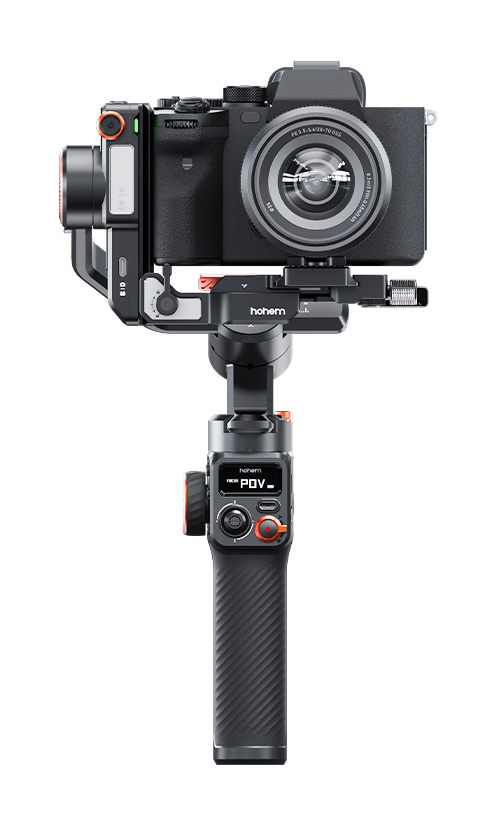
You can find the gimbal serial number in the following ways: A. Check the original box the gimbal was packaged in.
B. If you've lost the original box, you can find the serial number on the gimbal arm.
C. After downloading the Hohem Joy App, enter the Camera Interface and tap the upper-left corner to view the device information.
Firmware is the built-in software that controls how your gimbal works. Keeping it updated helps fix bugs, improve stability, and occasionally add new features.
How to update:
You will be prompted in the Hohem Joy App if a new firmware update is available. Simply follow the instructions in the app to complete the update.
What if the update fails?
Contact customer service and provide them with the serial number (SN) of your device (you can find the SN in the Hohem Joy App). They can help push a targeted firmware upgrade to your device.
Refund and replacement can be requested within 15 days after delivery, please check our return policy for more details. Depending on where you purchased the product, please contact the authorized store/official offline store/official online store for replacement or refund under the guidance of relevant personnel.
You can find the tutorials on our website or app to watch them.
【iOS】Apple mobile devices with iOS version 13.0 or above.
【Android】Android devices with version 8.0 or above.
A. Confirm the stabilizer's battery is adequately charged. Use the provided charging cable to charge the stabilizer, and then try turning it on again.
B. If you are still unable to power on the stabilizer, reach out to the official customer service for guidance and solutions.
A. Make sure that you have installed the smartphone before turning it on.
B. It might be caused by improper smartphone installation. Please ensure that the smartphone is properly clamped and the back of the phone is in close contact with the clamp's padding.
C. If the issue persists, try powering off the gimbal, disassemble and reassemble the smartphone or camera, and then power the gimbal on again.
Check whether the phone clamp is level. If not, please refer to the manual to do auto calibration. If the clamp is level, but the smartphone camera is not on level, remove the smartphone case or re-clamp the smartphone.
A. Try restarting your phone and check if the Bluetooth and location switches are turned on.
B. Make sure no other gimbal devices are connected to the phone's Bluetooth.
C. Try clearing and resetting the Bluetooth connection.
The operating temperature range for the stabilizer is -10°C to 45°C.
Hohem Joy App→[Settings]→[Gimbal Parameter Settings]→[Restore settings].

Call:US+1 (888) 965 8512
Mon-Fri 9AM-5PM (EST)
Email Support
service@hohem.com
Distribution & Reselling
sales@hohem.com
Marketing & Partnerships
marketing@hohem.com Media Inquiries
pr.us@hohem.com
HR
hr@hohem.com








Call service:
US+1 (888) 965 8512
Subscribe
简体中文 English Deutsch Italiano 日本語 한국어 Français Español Pусский Português