iSteady MT3 · Tutorial




 Aliexpress
 Hohem Official Store
 简体中文
简体中文 English
 Deutsch
 Italiano
 日本語
日本語 한국어
한국어 Français
 Español
 Pусский
 Português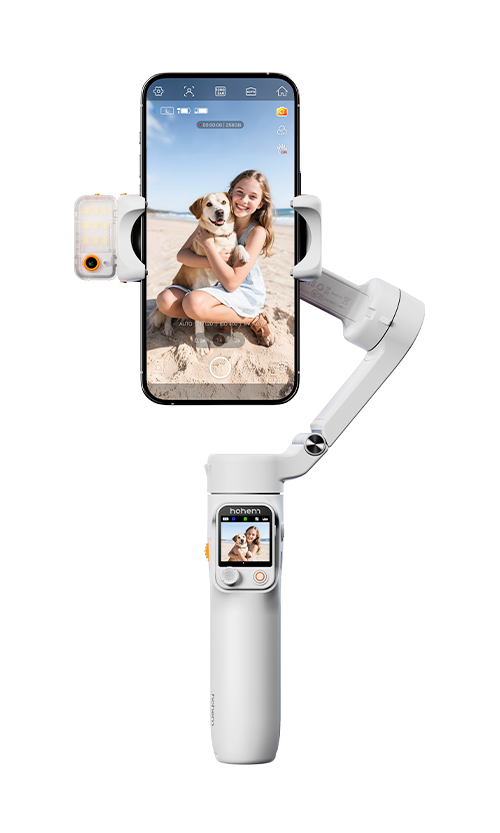



 Other Languages
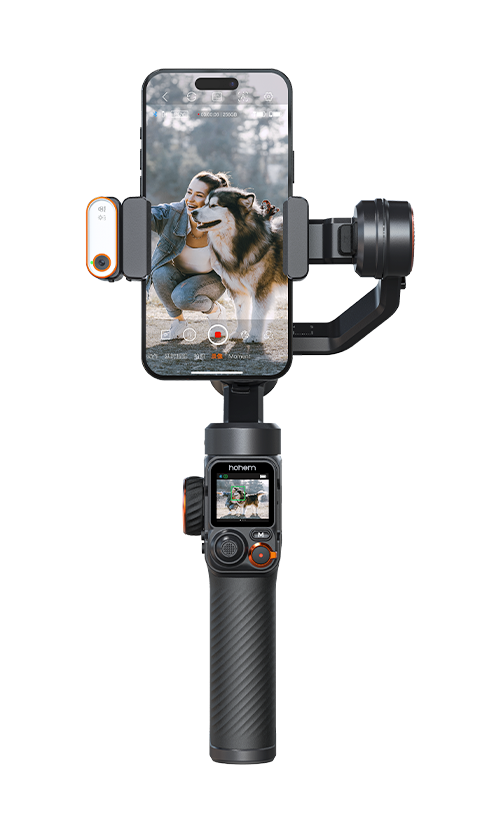
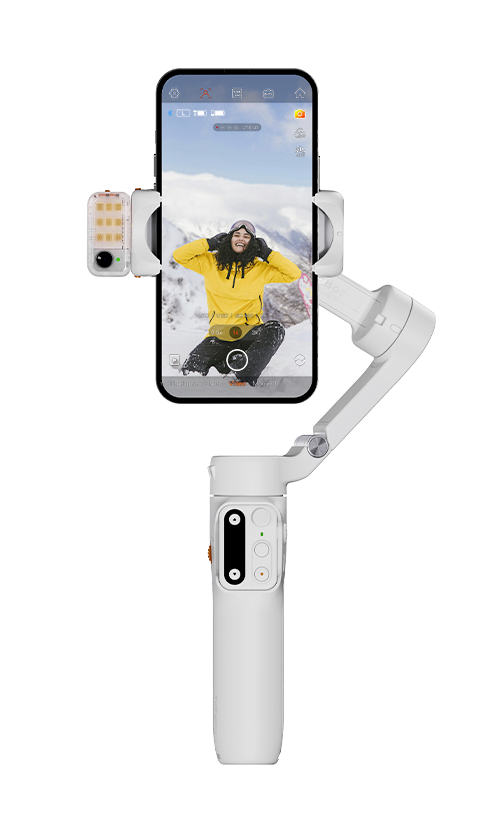
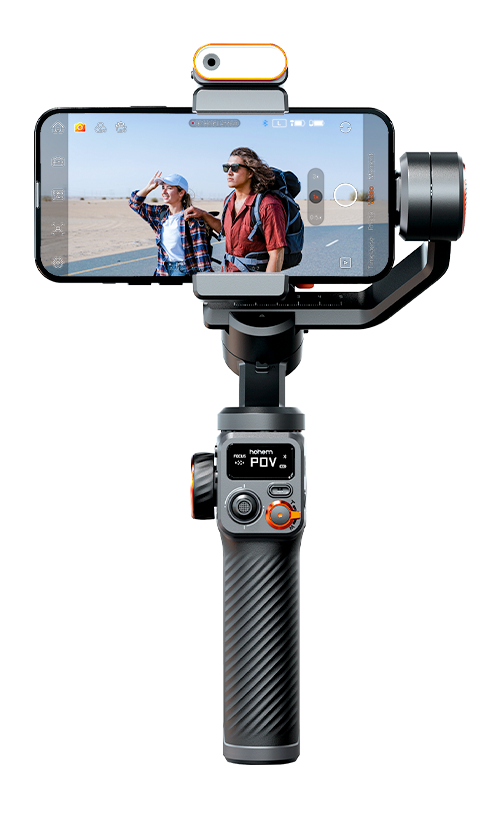
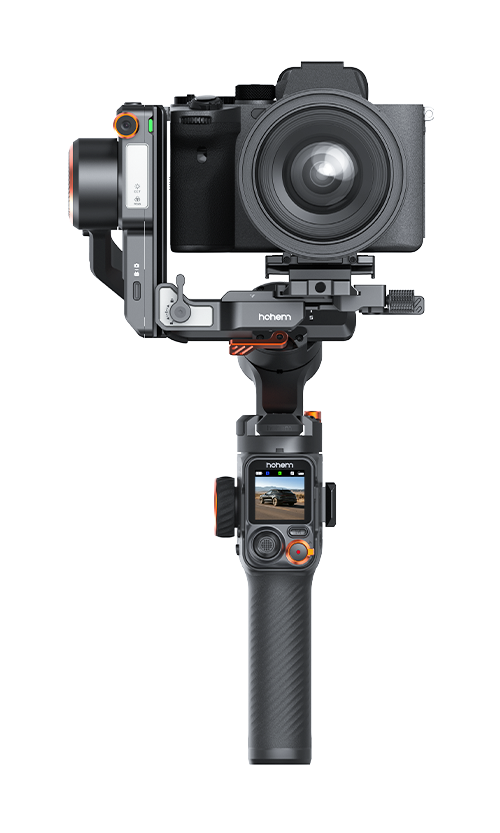
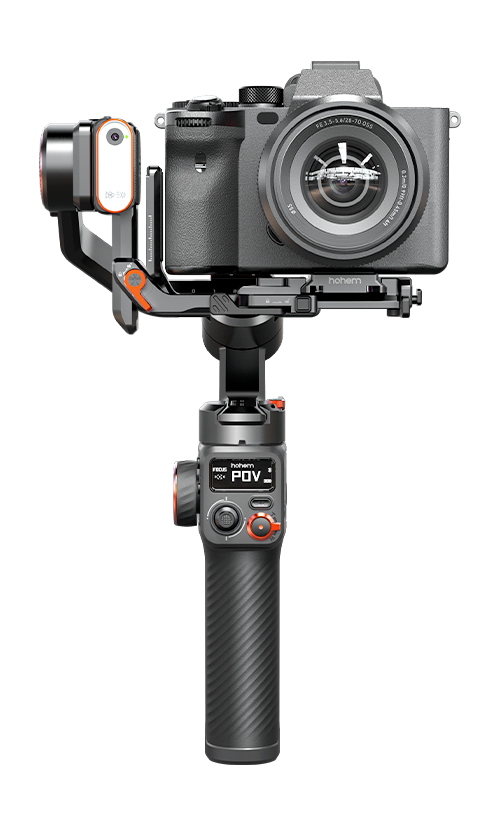
The three models differ mainly in AI tracking capability, payload capacity, display type, and included accessories.
iSteady MT3
●AI tracking supports human subjects only
●Maximum payload: 1.4 kg (3.08 lb)
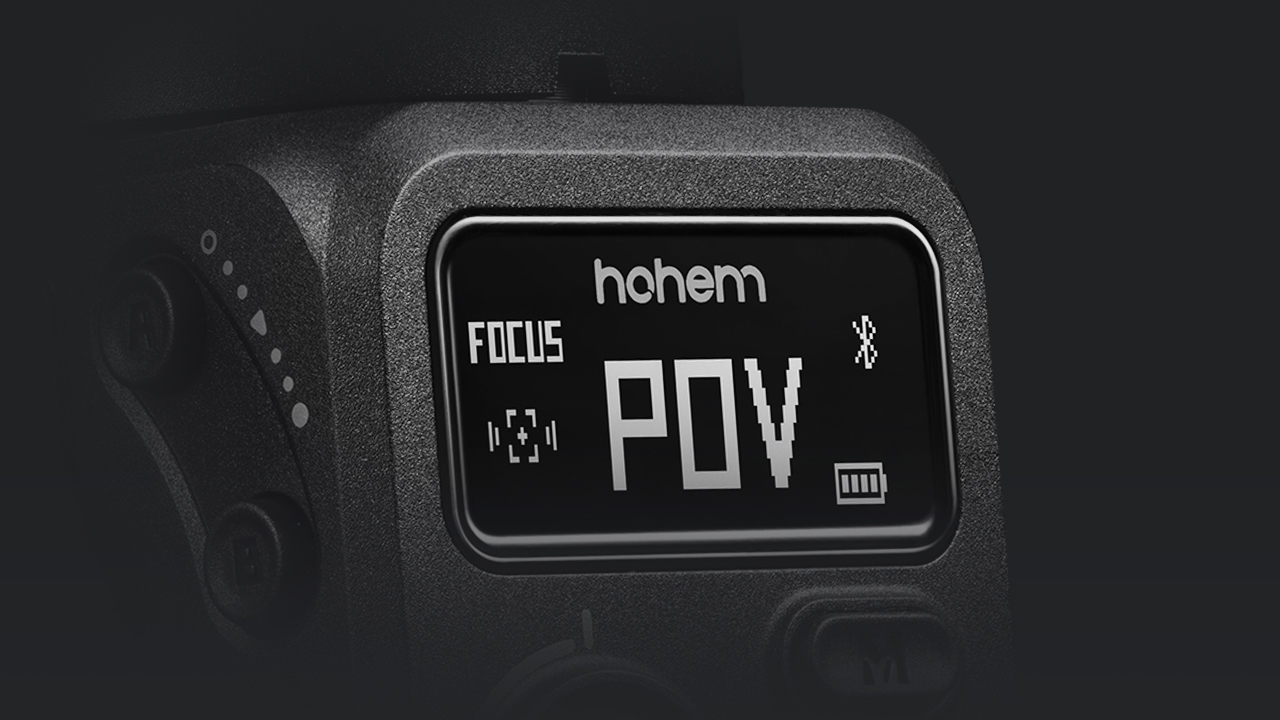
●Display: 0.4" OLED screen
●Designed for lighter camera setups and everyday creators
iSteady MT3 Pro
●AI tracking supports people, pets, vehicles, and other objects
●Maximum payload: 2.5 kg (5.5 lb)
●Display: 1.4" full-color touchscreen with live preview
●Designed for more advanced and professional shooting scenarios
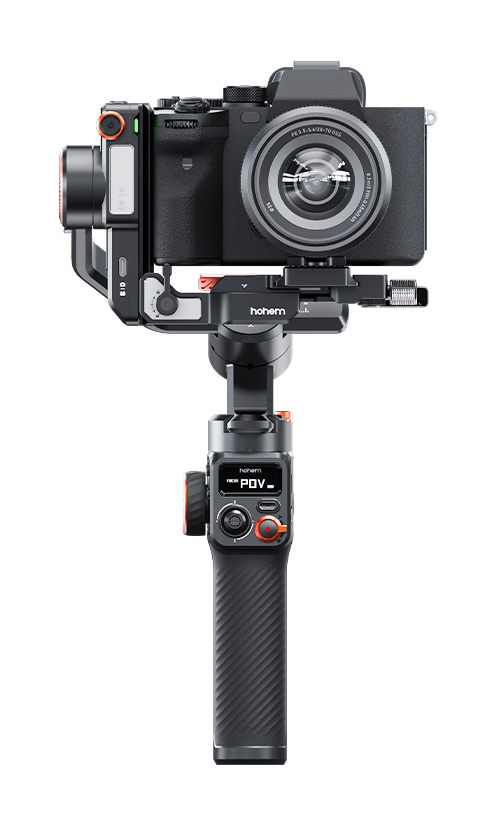
iSteady MT3 Pro Kit
●Includes all features of iSteady MT3 Pro
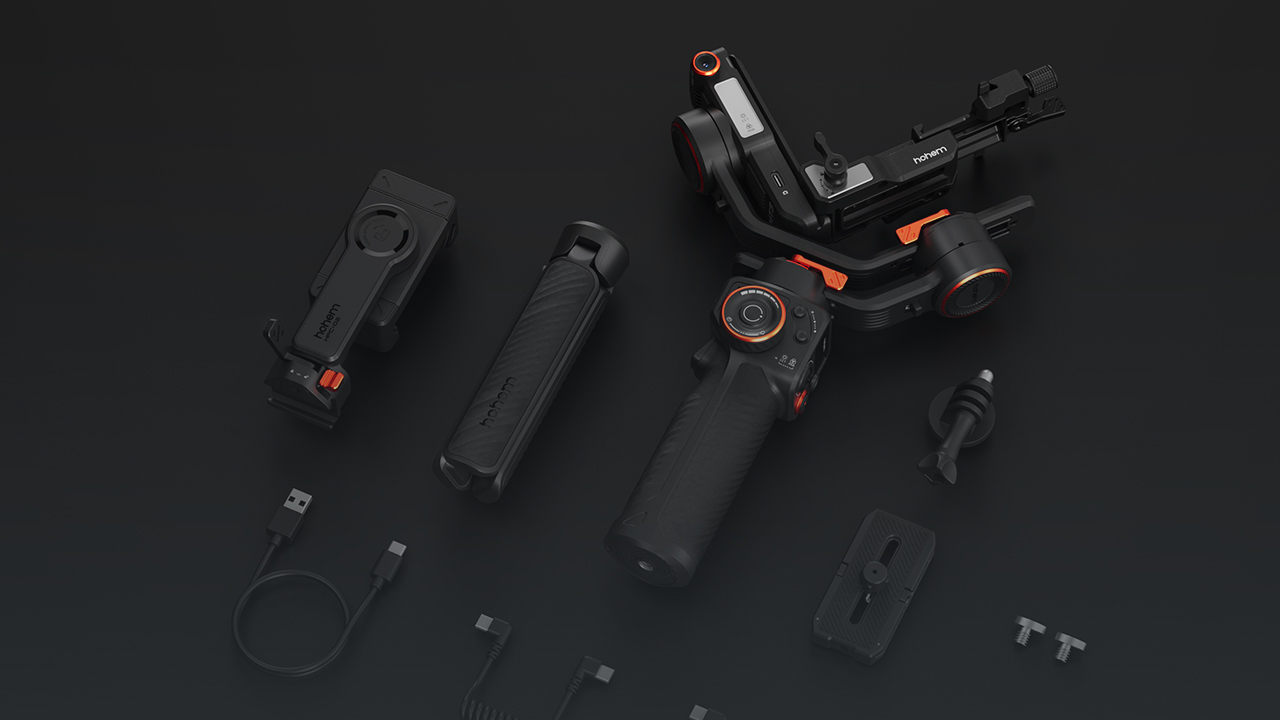
●Adds additional accessories such as the Spot Mini Motor for focus/zoom control and Bi-Directional Twist Handle for control the gimbal and shoot in more creative ways
Follow the steps below to update the firmware:
1.Press and hold the power button to power on Hohem iSteady MT3.
2.Open the Hohem Joy app. A pop-up* for your Hohem iSteady MT3 will appear. Tap Connect.
3.If new firmware is available, a prompt will appear saying “Update Now.”** Tap it to start the update.
4.When the update is complete, a confirmation message will appear. Tap Done to finish.
5.If the update fails, restart the gimbal and try again.
*If the pop-up does not appear, swipe down on the touchscreen to open the Bluetooth Connection interface and reset the Bluetooth connection.
**Do not power off the gimbal or exit the app during the firmware update.
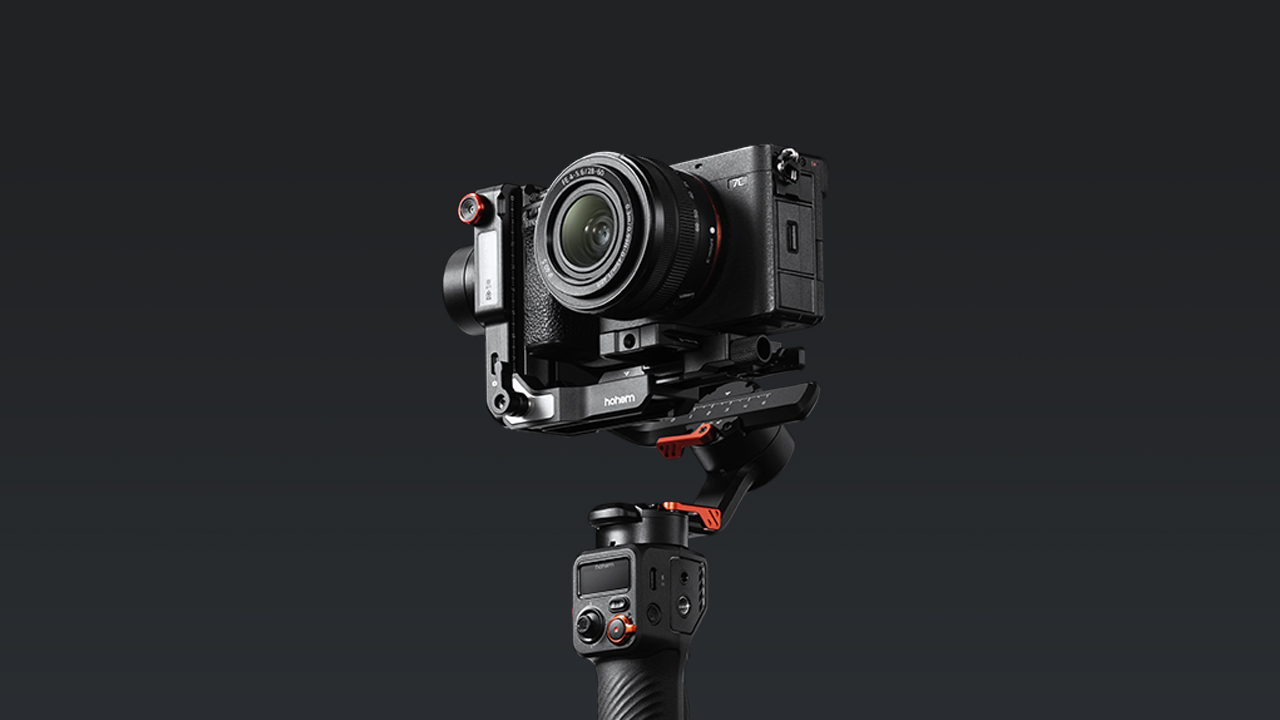
The iSteady MT3 supports a maximum payload of 1.4 kg (3.08 lb). With the included accessories, it can support mirrorless cameras, compact cameras, smartphones, and action cameras.
Camera Compatibility:
●Height: < 100.5 mm(< 3.96 in)
●Width: < 145 mm(≤ 5.7 in)
●Depth (camera +lens): < 176.2 mm(< 6.94 in)
Phone Compatibility: Width:58-98 mm(2.28-3.86 in)
Action cameras: Most mainstream action cameras on the market are supported.
For detailed compatibility information and supported control features, please refer to the MT Series Compatibility Search page:https://www.hohem.com/compatibility
You need to rebalance the gimbal whenever you:
●Change the camera
●Change the lens or accessories
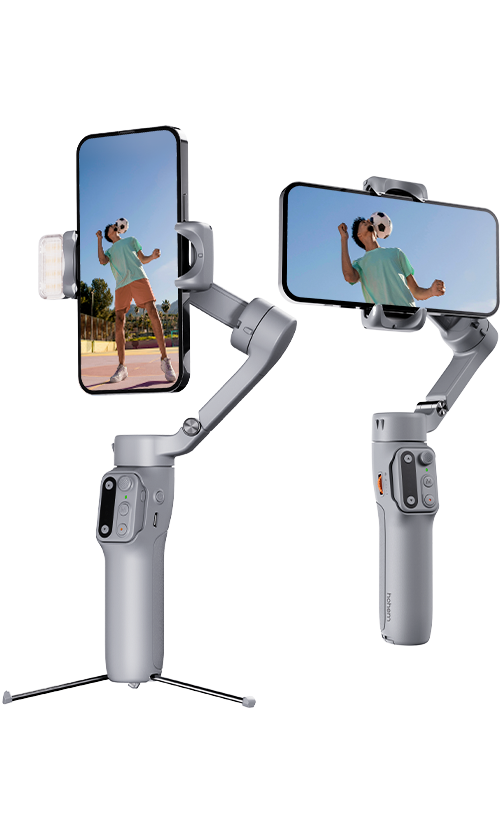
●Switch between landscape and portrait orientation
If you temporarily remove the camera and then reinstall it without changing the setup, you can simply mount it back to the same marked position used during the previous balance adjustment, and rebalancing is usually not required.
It can be used in environments from -10° C to 40° C (32 ℉ to 104 ℉ ).
Vibration usually occurs when the gimbal is not properly balanced or when the motor strength needs calibration.
First, double-press the power button to enter Standby Mode, then check whether the gimbal is properly balanced.
If vibration still occurs after balancing, perform Motor Calibration:
1. Press and hold the M (Mode) button to enter the OLED submenu.
2.Press the A button to cycle through the options until [Motor Strength] appears.
3.On the [Motor Strength] screen, push the joystick to select [AUTO].
4. Press the M (Mode) button to start Auto Calibration. The icon will animate while calibration is in progress. When the animation stops, the calibration is complete.
5. After calibration, press and hold the M button to return to the main menu.
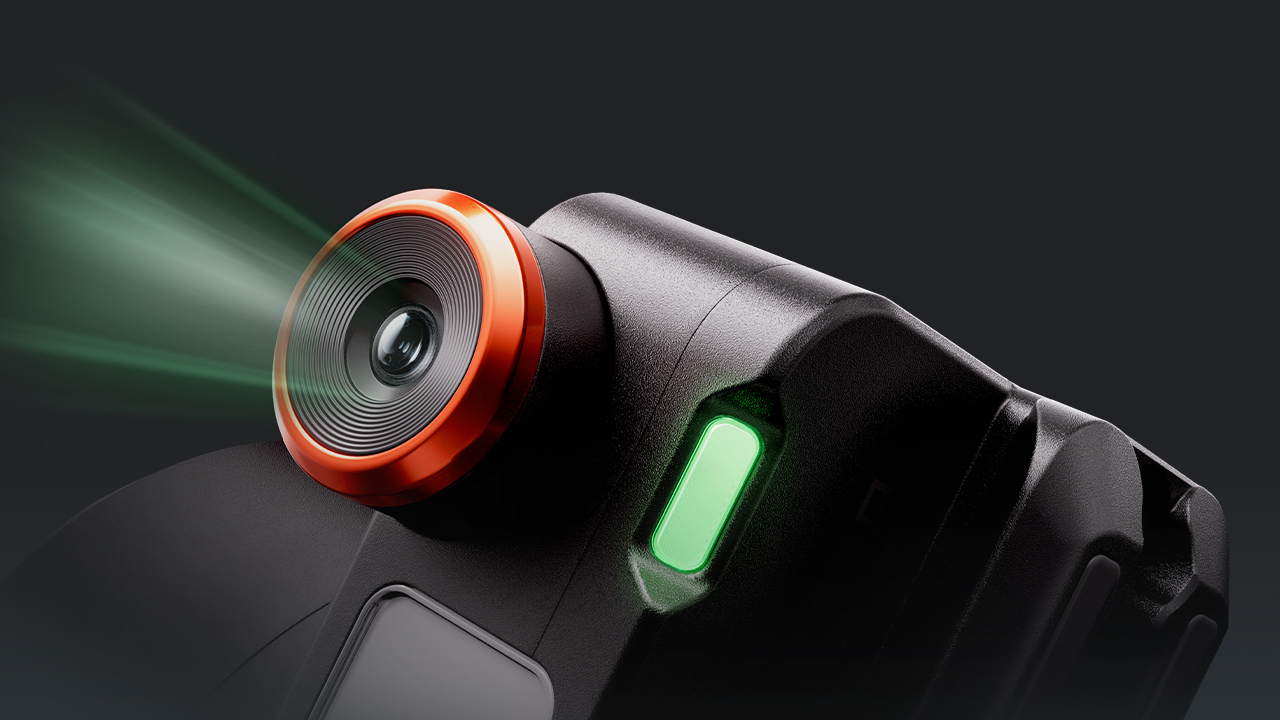
Gesture recognition works within a range of 0.5–3.5m (1.64–11.48ft) from the AI camera.
For best results, perform gestures clearly within this distance range.
The AI tracking distance for iSteady MT3 when tracking people is 0.5–5 m (1.64–16.4 ft).
For best results, keep the subject within this distance range and ensure the subject remains clearly visible to the AI camera.
When AI tracking is active, the subject can use the “Double L” gesture to adjust the framing.
1. The subject shows the “Double L” gesture to enter composition adjustment mode.
2. Move to the desired position in the frame.
3. Show the “Double L” gesture again to lock in the new composition.
The gimbal will then continue tracking while maintaining the updated framing.
The AI Tracking capabilities differ between the two models:
●iSteady MT3 supports human tracking only. It cannot track other types of subjects.
●iSteady MT3 Pro supports tracking both people and various objects, providing greater flexibility for different shooting scenarios.
In addition, iSteady MT3 does not have a touchscreen, so the AI tracking view cannot be displayed on the device.
Make sure your device is in Bluetooth pairing mode, then follow these steps:
1. Press and hold the M (Mode) button to open the OLED sub-menu.
2. Press the A button (next to the control wheel) to enter pairing mode.
3. Use the joystick to select [PAIR] or [UNPAIR].
4. Press the M (Mode) button again to confirm.
Once paired, you can control your device’s shutter and recording functions directly from the gimbal.
For detailed steps, watch the tutorial Connecting to the Devices.
After connecting the camera to the iSteady MT3 using a camera control cable or Bluetooth, you can control basic camera operations directly from the gimbal.
Supported functions include:
●Half-press the shutter button to activate autofocus
●Press once to start or stop recording
●Press and hold to take a photo
●Use the zoom lever to control zoom in / out
For detailed instructions, watch the tutorial Buttons.
Yes. The iSteady MT3 can supply power to your mounted device.
The power output port (USB-C) is located on the tilt axis. Use the included USB-C charging cable to connect the gimbal to your device for charging.
Battery life varies depending on how the gimbal is used:
Approx. 17 hours — balanced and stationary
Approx. 11 hours — with AI tracking enabled
Approx. 6 hours — with AI tracking and fill light used simultaneously
Test data from Hohem Laboratory. Actual battery life may vary depending on environment, usage, and firmware version.
It takes approximately 3 hours to fully charge the gimbal using a 5V⎓2A power adapter. Test data from Hohem Laboratory. Actual battery life may vary depending on environment, usage, and firmware version.





 Other Languages








Call service:
US+1 (888) 965 8512
Subscribe
简体中文 English Deutsch Italiano 日本語 한국어 Français Español Pусский Português